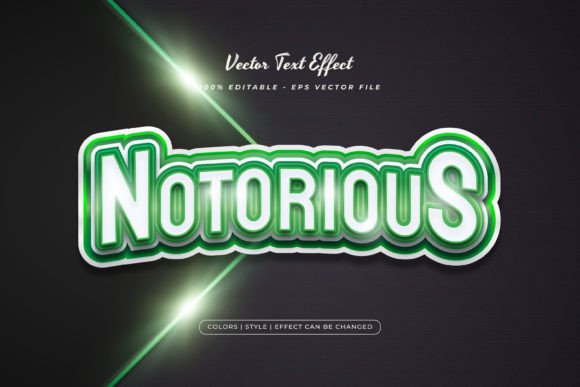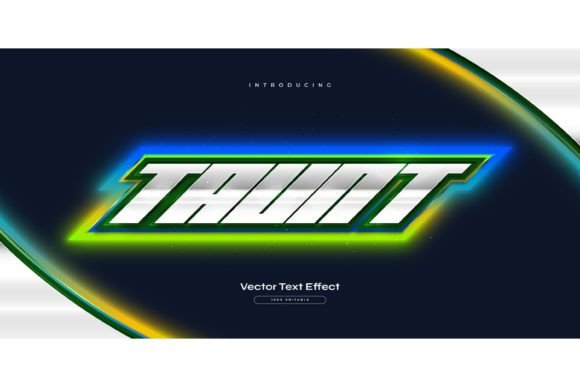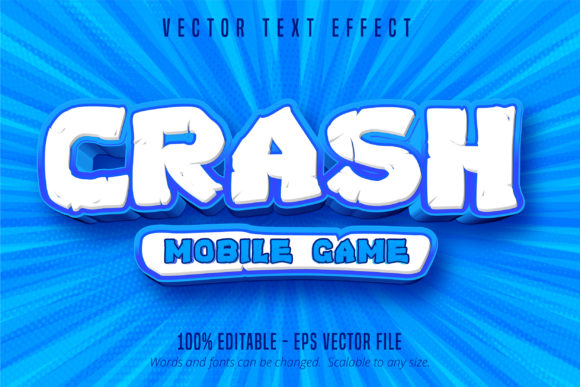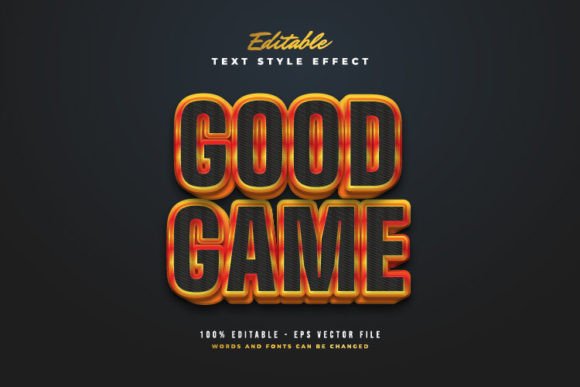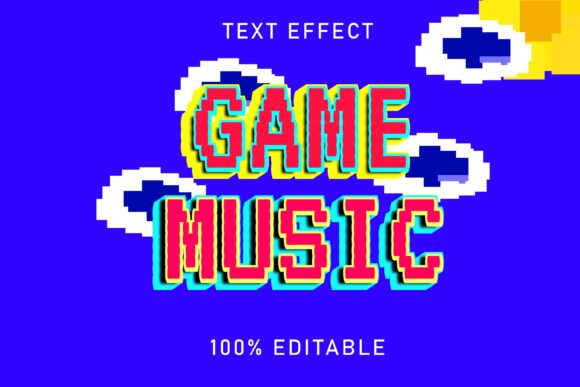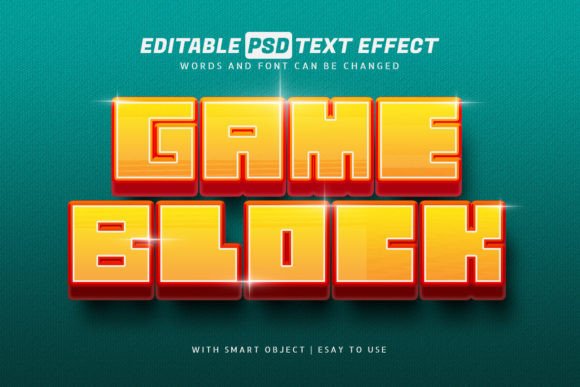
Transform Your Graphics with the Game Block 3D Style Text Effect
Capturing attention in a crowded digital space often comes down to that first split second of visual impact. If you are working on a project that requires a bold, playful, or high-energy vibe, standard flat typography often falls short. You need depth, texture, and a sense of fun that draws the viewer in immediately. This is where the power of a specialized text effect becomes an indispensable asset in your design toolkit, offering a shortcut to professional-grade visuals without the steep learning curve of complex 3D software.
Imagine having the ability to instantly apply a vibrant, blocky, three-dimensional look to any text or logo you choose. This particular design asset provides exactly that—a stylized effect reminiscent of classic gaming aesthetics or playful construction elements. It is designed not just to look good, but to function seamlessly within your workflow. Whether you are a seasoned graphic designer juggling multiple client projects or a small business owner crafting your own social media presence, the efficiency of this tool is a game changer. Instead of spending hours manually extruding text, adjusting lighting, and shading surfaces, you can achieve that polished, high-quality result in just a few clicks.
Why Smart Objects Matter for Your Workflow
One of the standout features of this resource is its reliance on Smart Objects within Photoshop. For those unfamiliar, a Smart Object is essentially a container that holds your original content—be it text, a shape, or a logo—protecting it from destructive editing. When you use this PSD file, you simply double-click the Smart Object layer, paste your own text or design, save, and watch the magic happen. The 3D block effect automatically applies to your new content, preserving the lighting, shadows, and depth perfectly.
This non-destructive workflow is crucial for maintaining quality. You can resize your text, change the font, or even swap the text for a logo, and the effect adapts without pixelation or loss of detail. This 100% editable capability means you are not locked into a single look. If the initial font doesn't match your brand identity, simply highlight it and type in a different typeface. The layers are well-organized, making it easy to tweak colors, adjust the intensity of the shadows, or modify the background to fit the specific mood of your project. It removes the technical barriers, allowing you to focus purely on the creative vision.
Practical Applications Across Industries
The versatility of a 3D block text effect extends far beyond a single use case. Its unique aesthetic makes it suitable for a wide array of applications, helping various professionals elevate their visual communication.
- Brand Identity and Logo Design: For brands that want to convey a sense of fun, innovation, or modernity, this effect can be the cornerstone of a visual identity. It works exceptionally well for gaming companies, tech startups, children’s brands, or event organizers looking to create a memorable logo that pops off the screen.
- Social Media Graphics: In the fast-scrolling environment of Instagram, TikTok, or Facebook, static images often get ignored. Using this high-quality text effect on your announcements, sale promotions, or thumbnail images creates an immediate focal point that stops the scroll and encourages engagement.
- Packaging and Merchandise: Physical products need shelf appeal. This style works beautifully for merchandise like T-shirts, stickers, or tote bags. It adds a tactile quality to the design, making the product feel more substantial and premium. Similarly, for packaging design, it can highlight the product name in a way that feels distinct and playful.
- Digital Products and Marketing Assets: If you sell digital goods like e-books, online courses, or printable planners, the cover design is your primary sales tool. Applying a unique text effect to your titles can significantly increase perceived value. It is also excellent for creating eye-catching headers for email marketing campaigns or website banners.
Matching Typography to Project Goals
While the effect itself is stunning, the success of the final design relies heavily on your font choices. Because the "Game Block" style is inherently bold and dimensional, it pairs best with typefaces that have a strong presence. Sans-serif fonts with geometric shapes or heavy weights often work best, as they complement the blocky nature of the effect. However, don't be afraid to experiment with retro display fonts to lean into the nostalgic gaming vibe.
Readability should always be a priority. While this style is fantastic for headlines and short bursts of text, it might be too busy for long paragraphs. Use it strategically for impact—titles, sub-headers, and call-to-action buttons—where clarity and visual weight are more important than reading speed. Consider the context of your design; a poster has different requirements than a website navigation bar. Always step back and view your design at the actual size it will be displayed to ensure the 3D details enhance rather than clutter the message.
Ensuring Visual Consistency and Professionalism
Consistency is the bedrock of good design. When you use a high-quality asset like this PSD file, you ensure that every time you use the effect, it looks identical. This repetition builds brand recognition. Your audience will start to associate that specific style with your content, creating a subconscious link between the visual aesthetic and your brand's personality.
Furthermore, using professional design assets signals quality to your audience. Even if you are a hobbyist or a small business owner without a design degree, utilizing well-crafted templates bridges the gap. It elevates your presentation from "homemade" to "professionally curated." The included JPEG previews are also a great help, allowing you to see exactly how the effect should look when finished, serving as a benchmark for your own edits.
Ultimately, the goal is to communicate effectively and beautifully. By incorporating tools that offer ease of use, high customization, and professional results, you empower yourself to produce better work in less time. Whether you are launching a new product, promoting an event, or simply refreshing your social media aesthetic, having a reliable, editable 3D text effect in your arsenal ensures you are always ready to make a bold statement.